


Digital planner template kit
Digital planner template kit
Can't find a digital planner that fits your needs exactly? Do you feel like they all have either too many templates you don't use, or the most basic ones are always missing something?
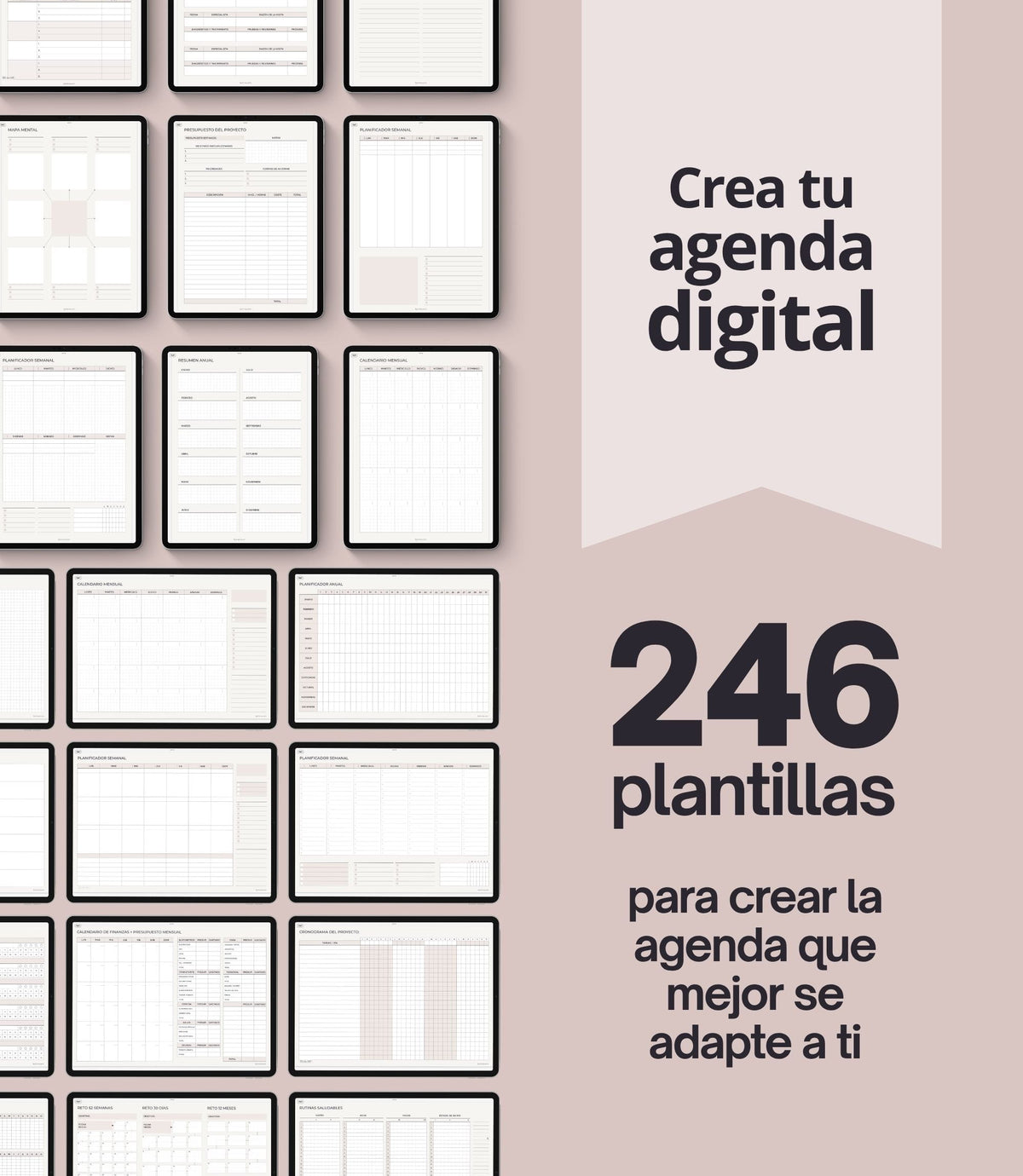
This digital planning template kit is designed so you can create your own personalized, custom digital planner. These are individual PDF templates that you can use on their own or copy and paste into a document to build your own planner with the sections and pages you need.
Plus, since most note-taking apps now let you create your own hyperlinks, you can build a table of contents to quickly navigate between them. But if you don’t feel like doing that, the kit already includes a pre-designed table of contents that you can use if you want, or delete if you’d rather create your own system.
Couldn't load pickup availability


Let's get into the nitty gritty details.
CONTENT
FILES INCLUDED IN THIS PURCHASE
WHAT DO YOU NEED TO USE THIS PLANNER?
- An iPad, tablet, or computer. If you want to use it ONLY on your phone write me first so I can send you a sample.
- A note-taking app that supports PDF with hyperlinks and allows to write on them.
- An Apple Pencil or stylus if you use an iPad or tablet is highly recommended to enjoy the best experience.
COMPATIBLE NOTE APPS AND DEVICES
To use BY INMA digital planners, you’ll need a note-taking app that lets you import PDFs with hyperlinks and write on them. You’ll find many in your device’s app store, and new options are constantly being released.
If you don’t want to take a chance or don’t have time to try out several, I recommend checking out Goodnotes, Noteful, or Noteshelf if you use Apple; Samsung Notes, Penly or Noteshelf if you use Android; or Xodo if you use Windows.
These apps are not included with the purchase of the planner; they must be purchased separately.
HOW TO DOWNLOAD THE FILES
HOW TO OPEN ZIP FILES
Open a ZIP file on an iPad with a version of iOS 11 or later.
- Open the Files app, then find the ZIP file or archive from which you want to extract.
- Tap the ZIP file or archive.
- A folder is created containing the files. To change its name, touch and hold on the folder, then tap Rename.
If you have an older model you will probably need an external application to decompress these files. In this case, don’t try to download and open your ZIP files onto a smartphone or a tablet, please, use your computer.
Open a ZIP file on a computer
Just double-click on it. With some types of computers, you may need specific software to open it. There's lots of free zip software, you can try iZip for Mac or the free version of WinRAR for PC.
If you have problems to open ZIP files in Windows
Some versions of Windows may cause errors when unzipping ZIP files occasionally. If this happens to you, try one of these things:
- Rename the file and then try to extract its content.
- Maybe the file location is protected so move the file and then try again. You can move the Zip file to one of your user profile folders, such as Documents, and then try to extract the files.
- Re-download the files again to see if it was a problem downloading them that was not downloaded correctly. Sometimes Chrome gives problems with Etsy downloads. Try to download it using another browser to see if it can be related to this.
- If all else fails, use a free third-party file compression software and use it to extract the contents of the zip file.
RETURNS
COPYRIGHT
All designs in this shop are for private use. Its sale, reproduction, reinterpretation, diffusion, distribution (free or paid), and use for commercial purposes are totally prohibited. All of them are protected by copyright laws.
Works with all main note-taking apps
-

Goodnotes 5
-

Noteful
-

Noteshelf
-

Notability
-

Xodo
-

ZoomNotes


