You’ve been thinking about switching to digital planning for a while. You’ve seen tons of digital planners on Instagram and they’ve caught your attention. The idea of no longer piling up physical planners and having everything in one place sounds appealing. But you still haven’t taken the leap because you’re not sure if you’ll miss paper, if it’ll feel complicated, or if it’s simply not for you.
It’s a fair concern. They’re two different tools, and neither one is objectively better. It all depends on how you plan and what you need.
In this post, I’m going to compare both without trying to sell you either option. Even though I design digital planners at BY INMA, there’s no point in buying one if paper works better for you.
Benefits of a digital planner
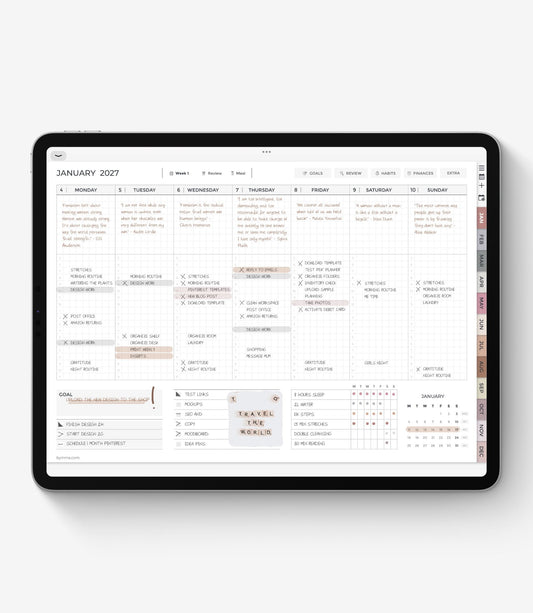
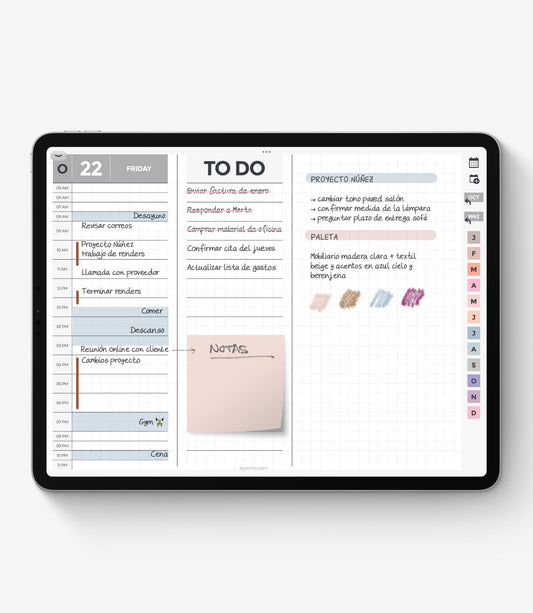
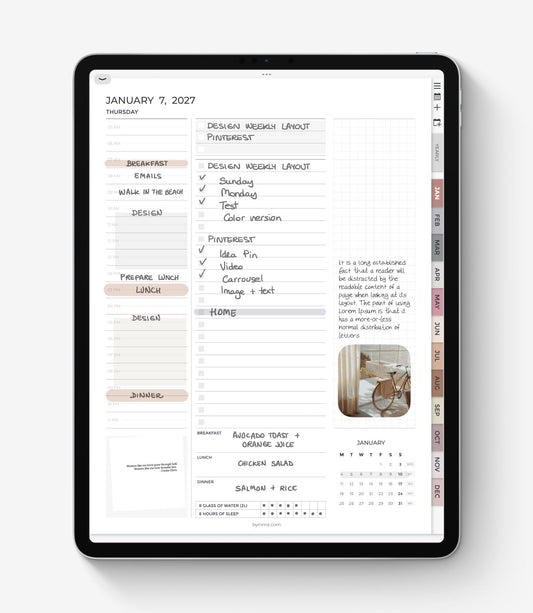
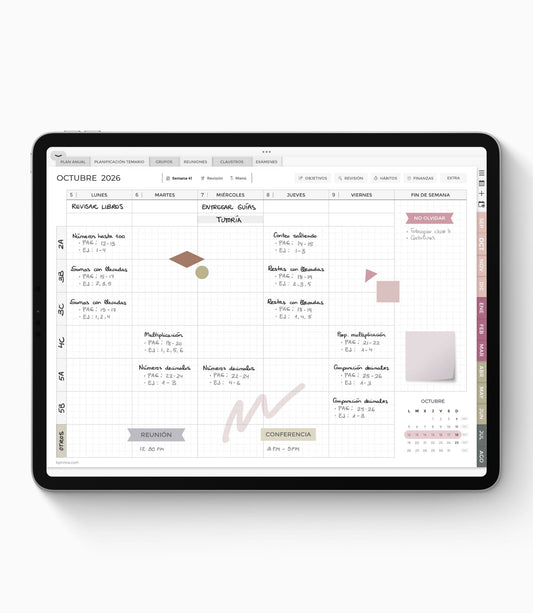
A PDF digital planner is not a calendar app. It’s an interactive PDF file that you use as a template inside a note-taking app (Goodnotes, Noteful, Noteshelf, etc.), where you write with a digital pen or keyboard just like you would on paper.
The difference lies in everything the digital format allows you to do that paper can’t: erase without leaving marks, move text around, duplicate pages, insert images or screenshots, keep everything in one place, and access it from any device.
And if you use an undated digital planner, you can keep using it indefinitely. No need to buy a new one every year.
What really sets this type of digital planner apart from other planning apps like Google Calendar is that you don’t give up handwriting. You still keep that important connection between your brain and your hand, you’re just writing with a digital pen instead.
Pros and cons of a paper planner
The main advantage of paper is how immediate and tactile it feels: open the planner, write, done. You don’t need any device, there’s no learning curve, and the feeling of writing by hand on paper is still hard to fully replicate digitally.
Paper planners work well for people who plan in a simple way: tasks, appointments, and not much else. They don’t need to move information around or access their planner from different devices.
The most common downside is that mistakes stay there. If you change your mind about how you want to organize your week, you can’t easily rearrange it. And if aesthetics matter to you, a digital planner gives you much more flexibility.
There’s also the issue of bulk, weight, and the accumulation of planners if you’re someone who keeps old ones from previous years.
Why use a digital planner?
Mistakes and changes
On paper, mistakes stay visible. Digitally, you erase and move on. If you hate crossed-out sections or tend to change your mind a lot while planning, digital planners have a clear advantage here.
Everything in one place
With a digital planner, you can keep your yearly planner, weekly and daily pages, notes, habit trackers, monthly budgets, and extra templates all in the same file. On paper, that usually means carrying several notebooks.
And within the same note-taking app, you can also keep other digital notebooks or journals, like a reading journal, a digital recipe book, or a personal finance planner.
Portability
Depending on its size, carrying a paper planner in your bag every day can feel heavy and inconvenient. Even more so if you also need a notebook for meetings or sketches and have to carry both.
A digital planner lives on your iPad or tablet, and sometimes you may not even need to bring it with you. If you only need to check your planner while you’re out, you can simply access it from your phone.
Handwriting experience
If the texture, feel, and even smell of paper matter a lot to you, paper planners clearly win here.
With PDF digital planners, you still write by hand, but the experience isn’t exactly the same, especially at first, while you’re getting used to it. That said, there are textured screen protectors designed to make writing feel more like paper.
Cost
A quality paper planner usually costs between €20 and €40, and you need to replace it every year.
A digital planner typically costs between €12 and €20, depending on how detailed or specialized it is. If you choose an undated version, you can use it indefinitely. And for that price, you usually get far more pages and templates than with a paper planner.
You also need to factor in the cost of the note-taking app. Prices vary quite a bit, but there are excellent options for around €8–10 per year or even as a one-time purchase.
Environmental impact
A lot of people assume digital planners are automatically more eco-friendly. Not necessarily.
You reduce paper usage, yes, but you also need an electronic device to use one. If you already own an iPad for other purposes, adding a digital planner doesn’t create additional environmental impact.
Which one is best for you?
A paper planner makes sense if:
- You plan in a simple way and only need to write down tasks and appointments.
- You don’t own an iPad and don’t plan on buying one anytime soon.
- You highly value the physical feeling of writing on paper and don’t want to lose that experience.
A digital planner makes sense if:
- You already own an iPad that you use for other things and want to get more out of it.
- You use several notebooks and want everything in one place.
- Crossed-out sections bother you, or you change your mind frequently while planning.
- You want a planner that doesn’t expire and don’t want to buy a new one every January.
- You like the idea of customizing pages, adding images, or creating more detailed notes.
Are digital planners worth it?
If you already own an iPad and a stylus, are tech-savvy, and are drawn to the digital world, the answer is almost always yes. If you don't yet own a tablet, you'll need to consider whether the investment makes sense for you beyond just using it as a planner.
If your main concern is whether you’ll know how to use a digital planner or whether it’ll feel complicated, don’t worry. The learning curve is short.
The note-taking app may take a little exploration at first, but using the planner itself (navigating pages, writing, erasing) feels intuitive from day one.
The key is not trying to do overly complicated things right away. Just start filling in pages with the pen the same way you would on paper. Little by little, you’ll explore more tools and discover all the possibilities it offers.
And if you’d like to try a BY INMA digital planner before deciding, send me a message and I’ll send you a free sample file with no commitment.