Home > > Agenda digital para profes 2026-2027 - Versión inglés
Ir directamente a la información del producto
1 de 11

Agenda digital para profes 2026-2027 - Versión inglés

Agenda digital para profes 2026-2027 - Versión inglés

Precio habitual $33.00 CAD
Precio habitual Precio de oferta $33.00 CAD
Oferta Agotado

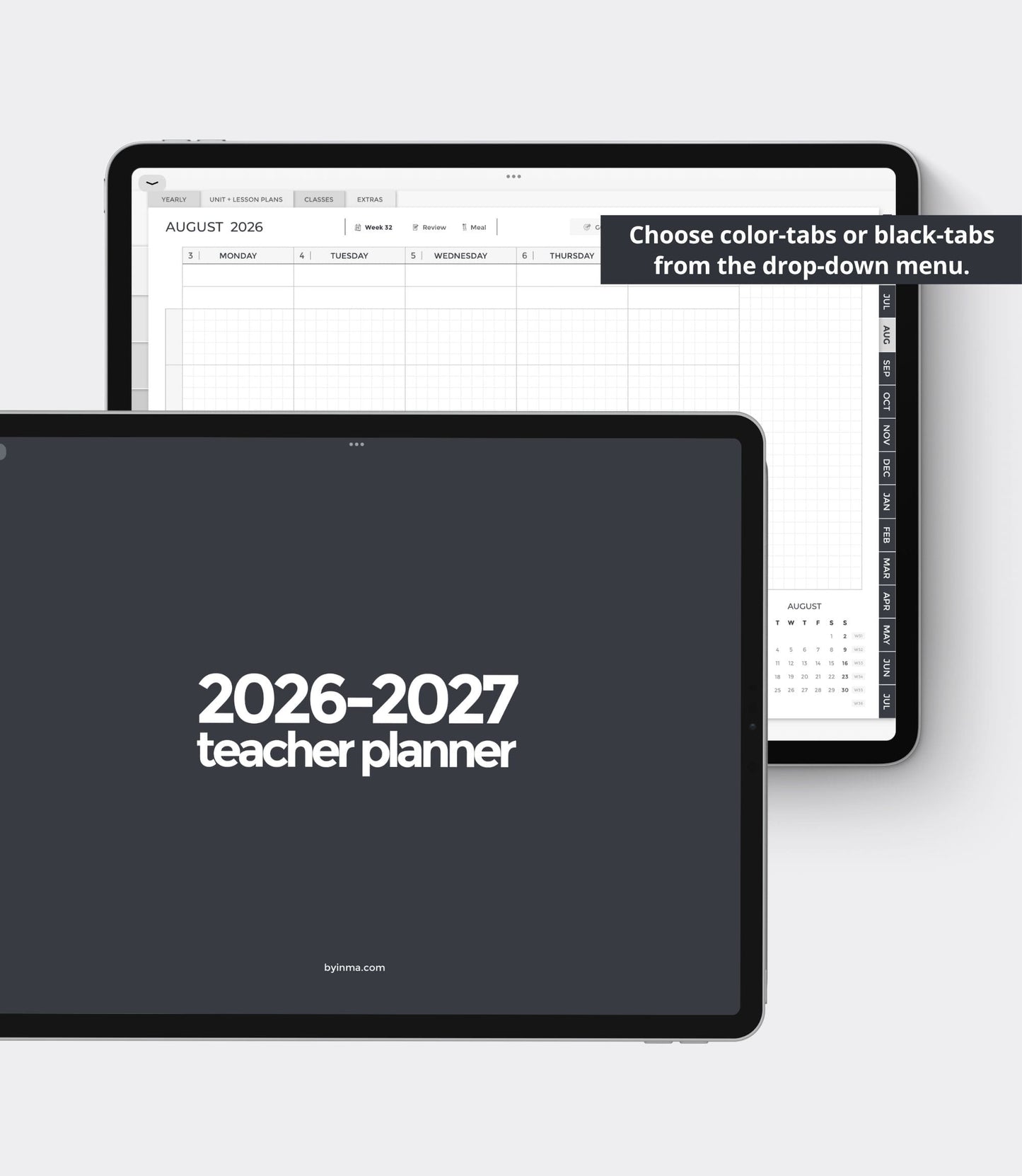
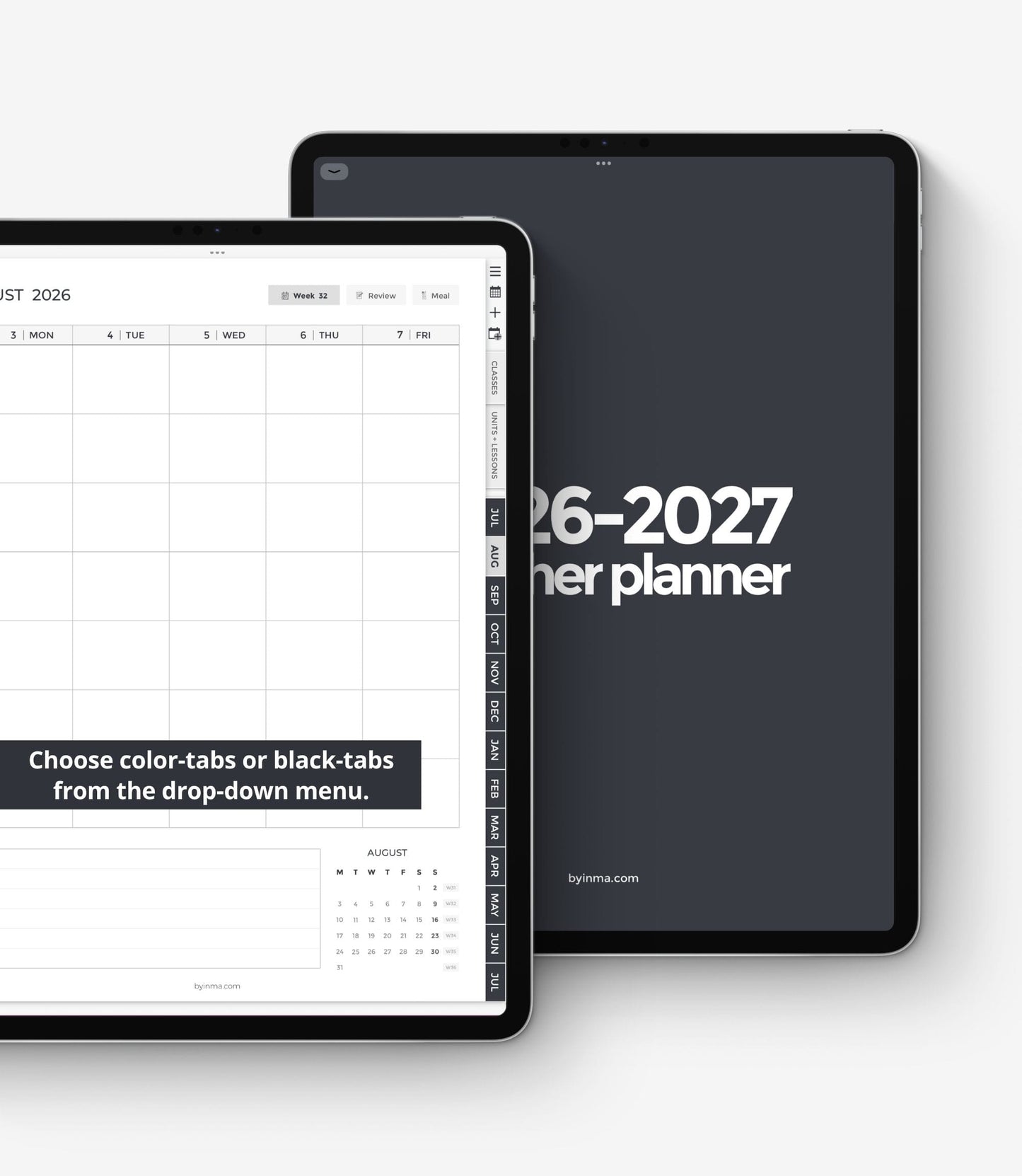
Planifica tus clases y tu vida personal en una sola agenda. Esta agenda digital para profesores incluye calendarios mensuales y páginas semanales y diarias. Tiene espacio para 8 grupos, cada uno con una lista de alumnos, un registro de calificaciones, asistencia, etc. También incluye plantillas para planificar 20 unidades y 200 lecciones (todas hipervinculadas a un índice).

Puedes utilizarlo tanto si empiezas el curso en julio como en agosto, ya que va de julio a julio, por lo que en ambos casos tienes 12 meses completos.

Si estás buscando la versión en español adaptada al sistema educativo español, la tienes aquí
Ver todos los detalles

Veamos los detalles.

CONTENIDO

❖ PAGES: 1428
❖ DATES: July 2026 - July 2027
❖ DATED PAGES: Calendar, yearly, monthly, weekly, and daily
❖ WEEK START: Monday
❖ WEEKLY LAYOUT: Monday to Friday + Weekend
❖ EXTRA MONTHLY PAGES: Goals + vision board, Habit tracker, Finance, Review/reflections, and an extra blank page.
❖ EXTRA WEEKLY PAGES: Meals, Review/reflections

❖ UNIT + LESSON PLANS: 20 units + 200 lessons (2 pages per unit, 2 pages per lesson, undated, index with hyperlinks)
❖ CLASSES: 8
❖ TEMPLATES PER CLASS: Student list, attendance, assignments, class record, grade tracker
❖ EXTRA TEMPLATES: 38 (See pics for more details)
❖ NOTE PAGES: 13
❖ CUSTOM SECTIONS: 10
❖ STICKERS: 150 - Sticker book for Goodnotes users with pre-cropped stickers + PNG files for use with other apps like Noteshelf or Notability

❖ GOOGLE CALENDAR INTEGRATION: You can click on the times on the daily pages to immediately open Google Calendar for that exact date and time and write an event. ☛ IMPORTANT: This type of digital planner does not allow automatic synchronization with Google Calendar, these links only allow you to open this app without leaving the planner but you will have to write the event in Google Calendar again.
If you don't want to use this feature just ignore that these links exist and use it as usual.

ARCHIVOS INCLUIDOS CON LA COMPRA

‣ 1 PDF with the planner
‣ 1 ZIP file with the stickers (includes a file for Goodnotes and PNGs for users of other apps)
‣ 1 PDF with instructions for Goodnotes and Noteshelf

QUÉ NECESITAS PARA USAR ESTA AGENDA

  • Un iPad, tablet u ordenador. Si quieres usarlo SÓLO en tu teléfono escríbeme antes para que pueda enviarte una muestra.
  • Una app para tomar notas que soporte PDFs con hipervínculos y te permita escribir sobre ellos.
  • Un Apple Pencil o stylus si usas un iPad o tablet es muy recomendable para disfrutar de la mejor experiencia.

APLICACIONES DE NOTAS Y DISPOSITIVOS COMPATIBLES

Para usar una agenda digital BY INMA necesitarás una aplicación de notas que permita importar PDFs con hipervínculos y escribir sobre ellos. Encontrarás muchas en la tienda de aplicaciones de tu dispositivo, continuamente salen nuevas opciones.

Si no quieres arriesgar o no tienes tiempo de probar varias, te recomiendo echar un vistazo a Goodnotes, Noteful o Noteshelf si usas Apple, a Samsung Notes, Penly o Noteshelf si usas Android o a Xodo si usas Windows.

Estas aplicaciones no están incluidas con la compra de la agenda, se deben adquirir de forma independiente.

CÓMO DESCARGAR LOS ARCHIVOS

Tras la compra, aparecerá un enlace de descarga automáticamente automáticamente. También lo recibirás por correo electrónico. Si no lo recibes, comprueba tu carpeta de spam por si se ha ido allí y si tampoco lo encontrases, ponte en contacto conmigo y estaré encantada de enviarte los archivos.

CÓMO ABRIR UN ARCHIVO ZIP

Abre un archivo ZIP en un iPad con una versión de iOS 11 o posterior.

  1. Abre la app Archivos y, a continuación, busca el archivo ZIP o el archivo comprimido del que quieras realizar la extracción.
  2. Toca el archivo ZIP o el archivo comprimido.
  3. Se creará una carpeta que contiene los archivos. Para cambiar su nombre, mantén pulsada la carpeta y, a continuación, toca Cambiar nombre.

Si tienes un modelo antiguo, probablemente necesitarás una aplicación externa para descomprimir estos archivos. En este caso, no intentes descargar y abrir tus archivos ZIP en un smartphone o tablet, por favor, utiliza tu ordenador. 

Abrir un archivo ZIP en un ordenador

Simplemente haz doble clic en él. En algunos tipos de ordenadores es posible que necesites un software específico para abrirlo. Hay muchos programas ZIP gratuitos, puedes probar iZip para Mac o la versión gratuita de WinRAR para PC.

Si tienes problemas para abrir archivos ZIP en Windows

Algunas versiones de Windows pueden generar errores al descomprimir archivos zip. Si esto ocurre, intenta alguna de estas cosas:

  1. Renombra el archivo y vuelve a intentar descomprimirlo.
  2. Puede que la carpeta donde está guardado esté protegida. Cambia el archivo a otra carpeta y vuelve a intentarlo. Puedes intentar guardarlo en Documentos.
  3. Intenta volver a descargar los archivos usando un navegador diferente. A veces Chrome da algunos problemas con las descargas de Etsy y usando otro navegador el problema normalmente se soluciona.
  4. Usa una aplicación externa para descomprimir el archivo en lugar de la que viene por defecto en Windows.

DEVOLUCIONES

Todos los productos que puedes encontrar en esta tienda son artículos digitales de descarga inmediata por lo que no es posible su reembolso ya que el artículo no puede ser devuelto y sigue siendo propiedad del comprador. Pero por favor, ponte en contacto conmigo si tienes algún problema con tu pedido. Estaré encantada de ayudarte en todo lo que pueda.

COPYRIGHT

Todos los diseños de esta tienda son para uso privado. Su venta, reproducción, reinterpretación, difusión, distribución (gratuita o de pago) y uso con fines comerciales están totalmente prohibidos. Todos ellos están protegidos por las leyes de derechos de autor.

  • Goodnotes 5

  • Noteful

  • Noteshelf

  • Notability

  • Xodo

  • ZoomNotes

1 de 6
  • 5 stars: 18 (95%)
  • 4 stars: 1 (5%)
  • 3 stars: 0 (0%)
  • 2 stars: 0 (0%)
  • 1 star: 0 (0%)
D
Danielle

This is now my 4th to 5th digital planner from this seller i keep coming back because I LOVE it, totally changed the way I plan using my iPad and saved me buying a paper teacher planner and duplicating work or carrying around a heavy planner all the time. To me it’s worth buying dated each year although more costly as it is such a time saver.
Thank you!! Danielle

i
inlar

Excellent planner! The hyperlinks function seamlessly, and it meets all my needs perfectly. Its minimalistic design is straightforward and effective. I absolutely love it!

S
Sandra

Wonderful for educators all the areas I needed for my week,planning and meetings are here!

L
Lorenzo

È un buon prodotto. Lo consiglio

T
Tonya

The crisp clean planner layout is beautiful.

D
Daniel

Inma was very proactive is resolving a small issue, great communication. Productive is amazing, meets all my needs, and is very aesthetically pleasing. Large variety of aesthetically matching stickers also provided. I would highly recommend to secondary education teachers.

A
Annetta

I am really happy with my planner and it's even better than I had this year. I am looking forward to using it for my next school year.

C
Caitlin

Exactly what I was expecting. Works super for what I need!

M
Madelin

Really well thought out and the layout is just what I needed. Can’t wait to buy next school year’s planner.

D
Danielle

This product is the best I’ve come across for digital planning. It is beautiful, well-organized, formatted well, and is easy to read, and easy to navigate. I will be using this for years to come. Please continue to produce updates yearly. Thank you for this amazing product!

W
Wade

Works great on my iPad, thanks!

i
isabelalvarado0304

Such a great planner I can keep using over and over again!

S
Sónia

Muito bom e muito útil!

K
Kathleen

I had an issue with my planner and Inma was very responsive , fixing the problem quite promptly.

S
Sign

I love it this planner is everything I have been looking for!!! My vision has been found lol

j
joannabjensen

I am full time faculty at a community college, and I teach multiple lecture, asynchronous, and and lab courses. This is my first digital planner and I will never go back! I’m a dedicated hand-writer, so using this with my iPad and Apple Pencil in Goodnotes is an excellent experience. This planner has everything I need so far for my personal and professional plans. It is easy to personalize, and it’s very attractive! I’m sure it’ll only get better as I learn how to use it. Definitely recommend!

E
Elodie

Can't wait to use it next year!

j
jemcca091

This is my third time using this teacher planner. I am a choir Director of two programs and making sure I am organized is key to my success. I love how versatile the template is and how I can also include my personal agenda as well.

D
Danielle

Secondary physics teacher in Scotland back for a third year in a row, these planners have changed the game for me. It is perfect for my 7 period days! I used to spend £30 on a heavy paper diary that I would need to lug about place to place and it was not practical. I have my good notes notebooks for every meeting and this diary to hand at all times with my iPad. Worth every penny! Thank you :)